Three things this week, and the big one came straight from a special school.
Accessible class meetings for SEND pupils
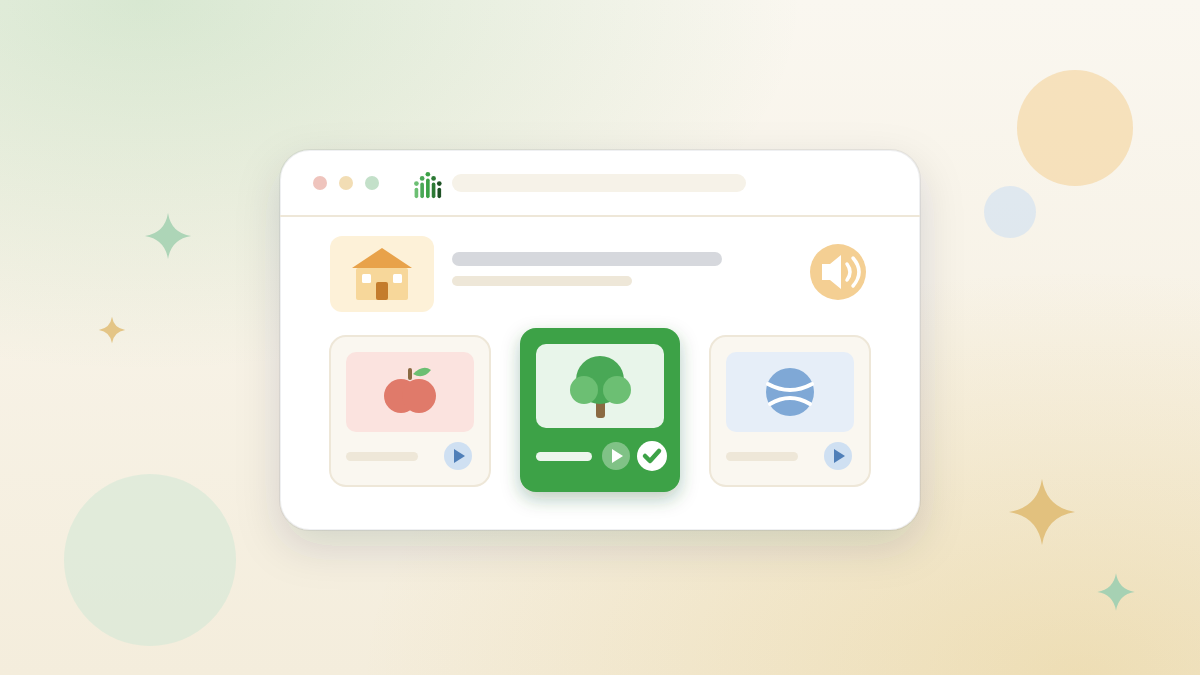
A teacher at a special school asked us to make class meetings work for pupils who can't read yet. So we built it. You can now put a picture beside the question, and a read-aloud button says the question and answers out loud. Each answer can have its own link too, so you can add a Makaton or BSL video and play it right there in the meeting. You choose which classes get which of these, and whether every pupil casts their own vote.
Pupil voice should mean every pupil. When children can see, hear and sign the question, they take part in their class meeting and have a real say in their school council, rather than watching someone else decide. It works just as well in mainstream classes, for younger children and anyone still learning to read.
It's in testing with a small group of schools now. If you'd like to try it, email Greg and we'll set you up.
Pulse: a check-in every pupil answers each term
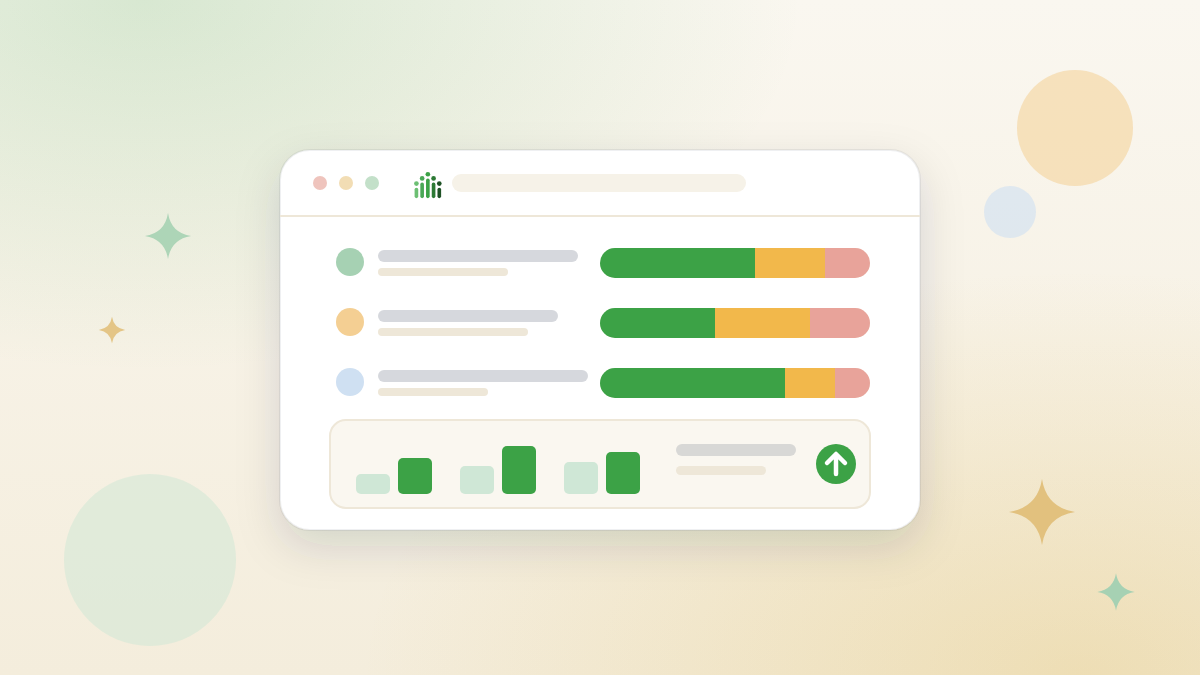
A school asked us for this one. Pulse is a short set of statements about how school feels, such as safety, learning or wellbeing. Every pupil answers Agree, Not sure or Disagree, either at the end of a class meeting or on its own. It comes round every term, so you can see this term next to last term, class by class, and spot what's got better and what needs work.
It gives every child a voice on how school feels, not just the ones whose hands go up first. And it hands your school council real evidence to act on.
It's brand new and we're looking for a few schools to try it first. If you'd like to try it, email Greg and we'll set you up.
The meeting link goes straight to class teachers
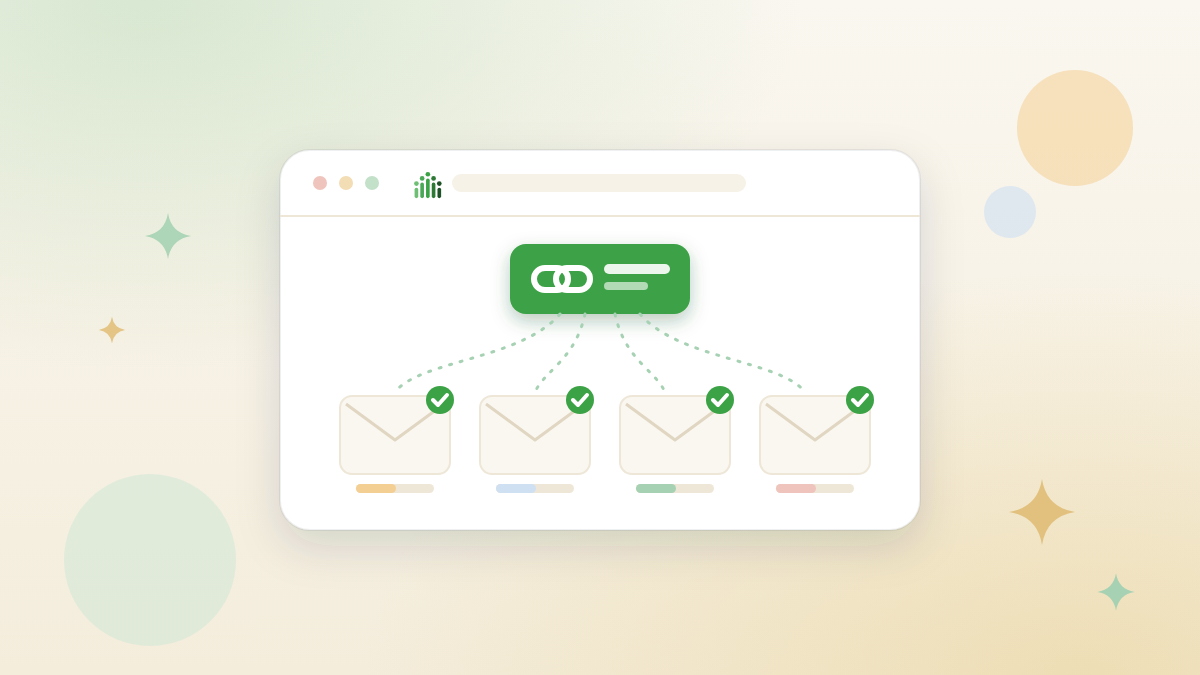
An assistant head asked us how her class teachers could get the meeting link, the night before her school's first council meeting. Now you add each teacher's email to their class, and when you set a meeting live, every teacher gets the link for their class. If someone misses it, one button sends it again. No more copying the link into an email every week.
Less chasing for you means more time for pupils to lead. It's on for schools using our new meeting tool, with more schools joining next week. If you'd like it, email Greg and we'll set you up.
Missed last week's meeting planner? Here's a one-minute video of how it works.
New to class meetings? See how they support the new primary citizenship curriculum and civic engagement in the enrichment framework.